FeaturesHow it worksPlan a runSafetyPricingFAQAdd to Chrome
Chrome extension for Following & Friends

Unfollow thousands on TikTok in a few clicks.

Clear your Following, Friends, or both straight from your profile. Skip the scrolling, keep the people you choose, and watch every removal happen live.

  • Free plan: 6 removals a day
  • No TikTok password needed
  • Works in Google Chrome

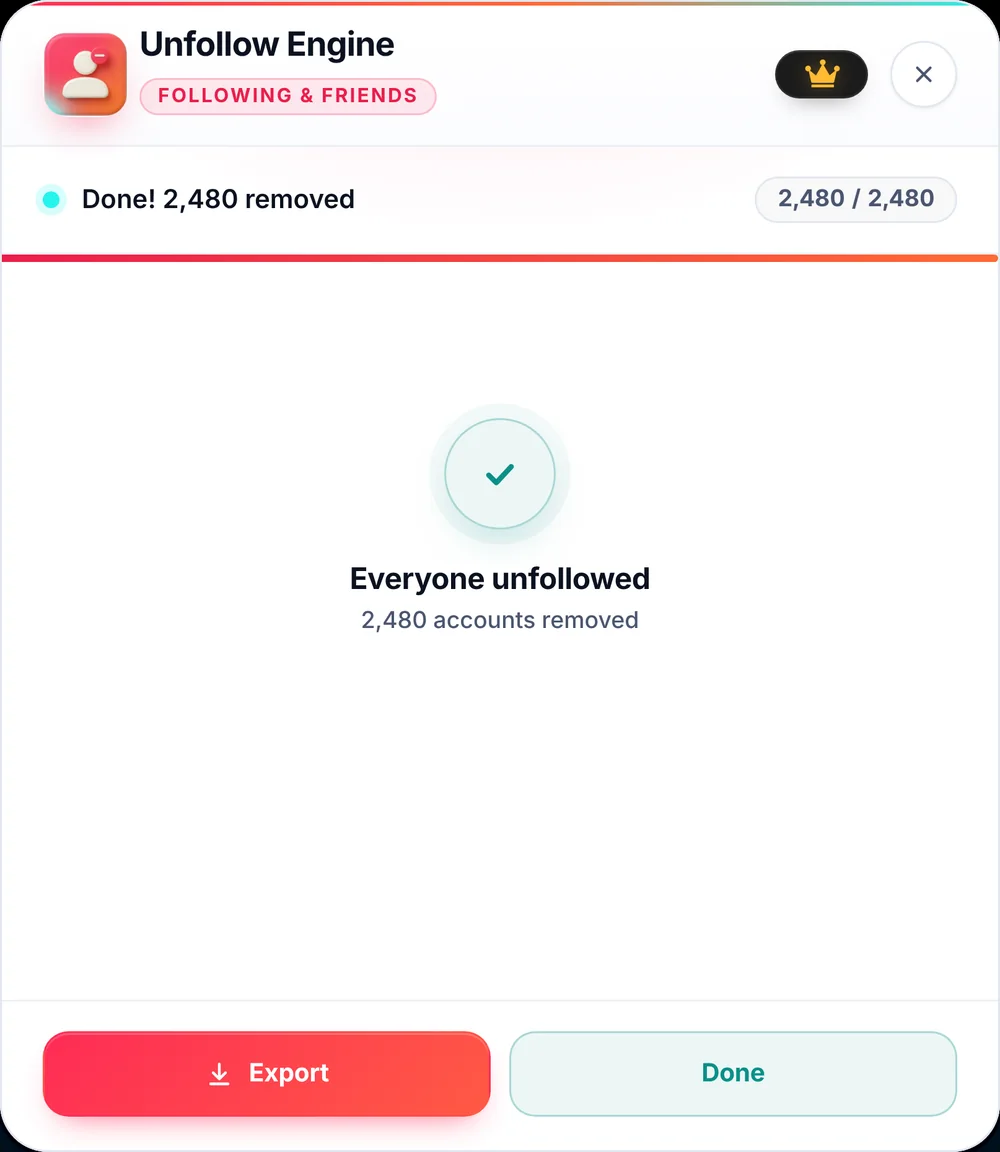
Interface preview with sample accounts

Features

Everything you need to clean up your following. Nothing you don't.

Built around one job: removing accounts safely, quickly and with full control from start to finish.

3Modes: Following, Friends or All
3Speeds: Slow, Medium, Fast
300Accounts before an automatic cooldown
3Export formats: CSV, JSON, Excel

One-click bulk removal

Open your own profile and choose Clear Following, Clear Friends or Clear All. The extension pages through your list and unfollows each account for you.
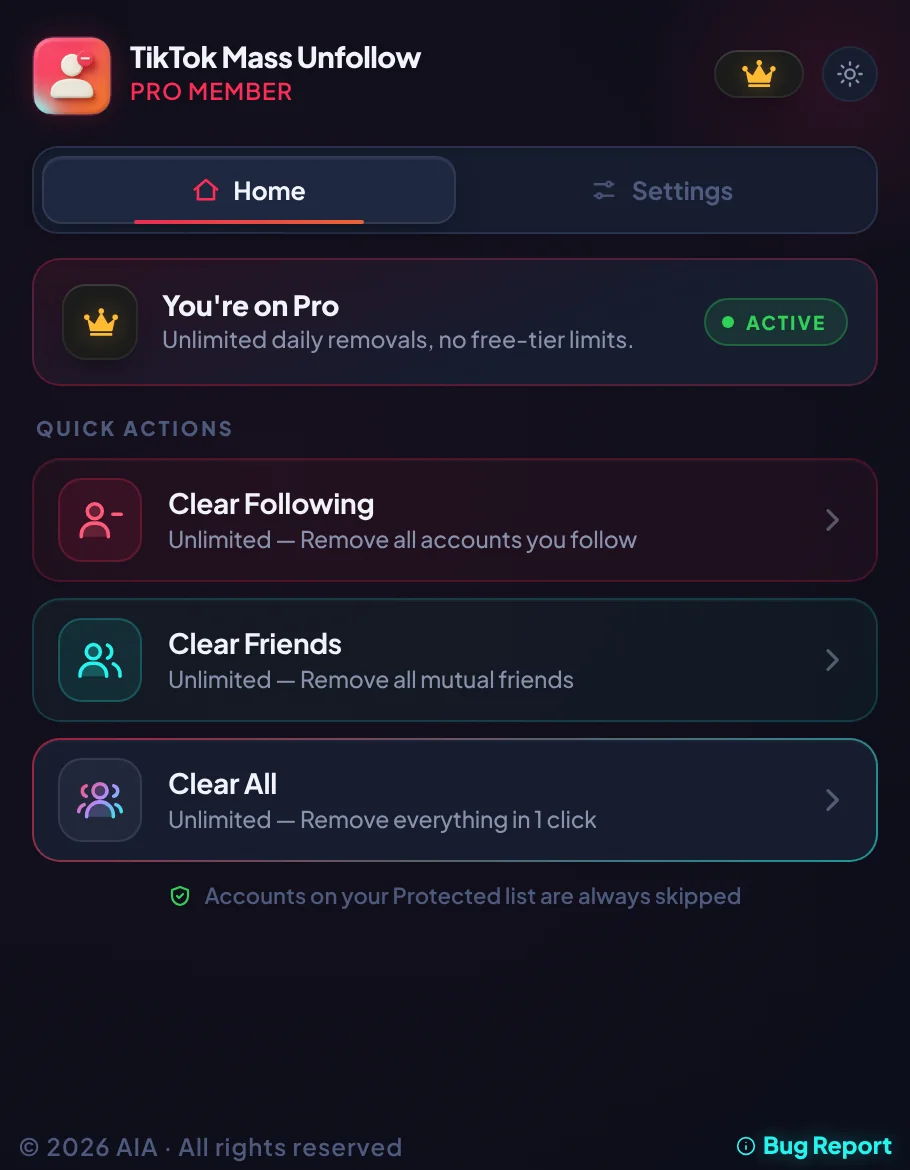
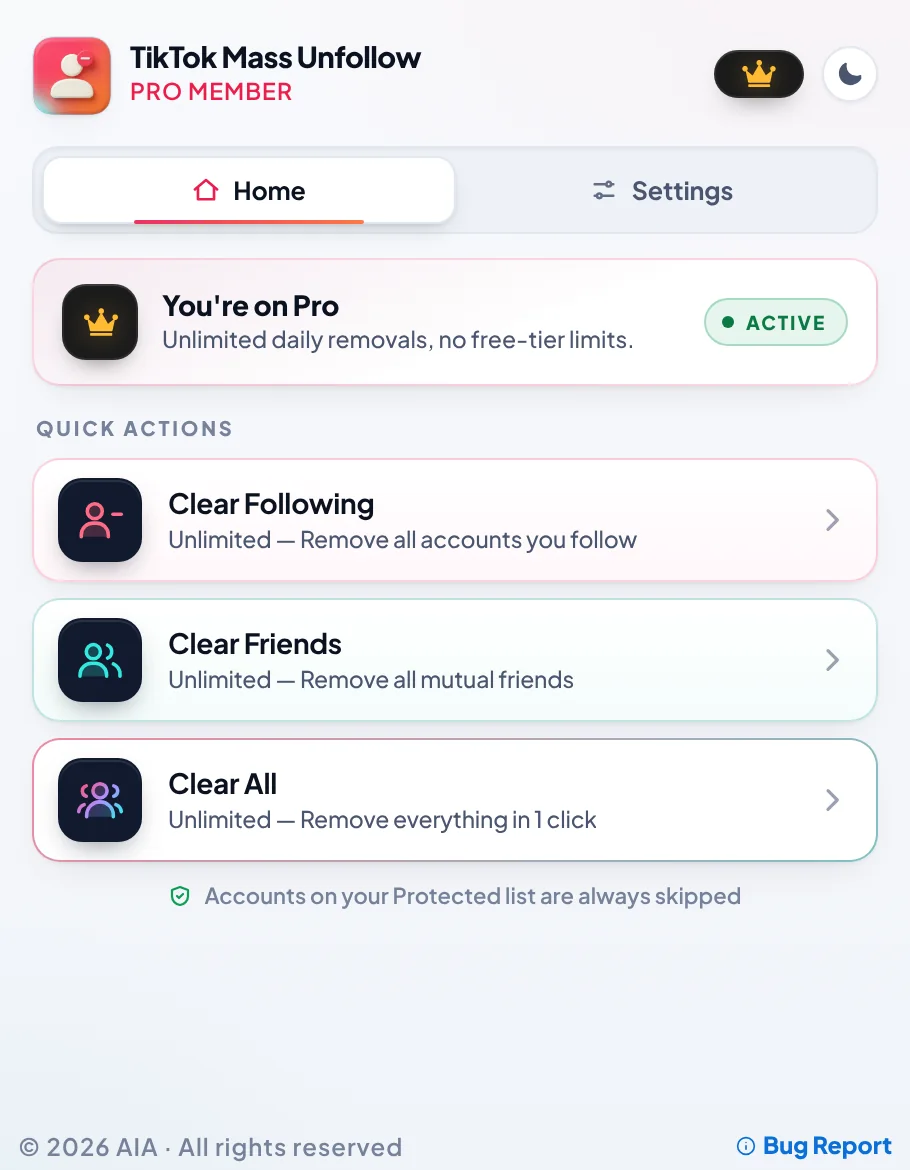
Quick actions in the popup

Protected accounts

Add the usernames you never want touched. They are skipped on every run, whichever action you choose.

Try it: type a username and press Enter.

Human-like pacing

Pick Slow, Medium or Fast. An automatic cooldown pauses the run after every 300 accounts and whenever TikTok rate-limits you.

About 0.8 s between accountsCooldown 1 min

Live progress, always in control

A widget on the page shows the account being removed, a running counter and a progress bar. Pause, skip a cooldown or stop whenever you want.
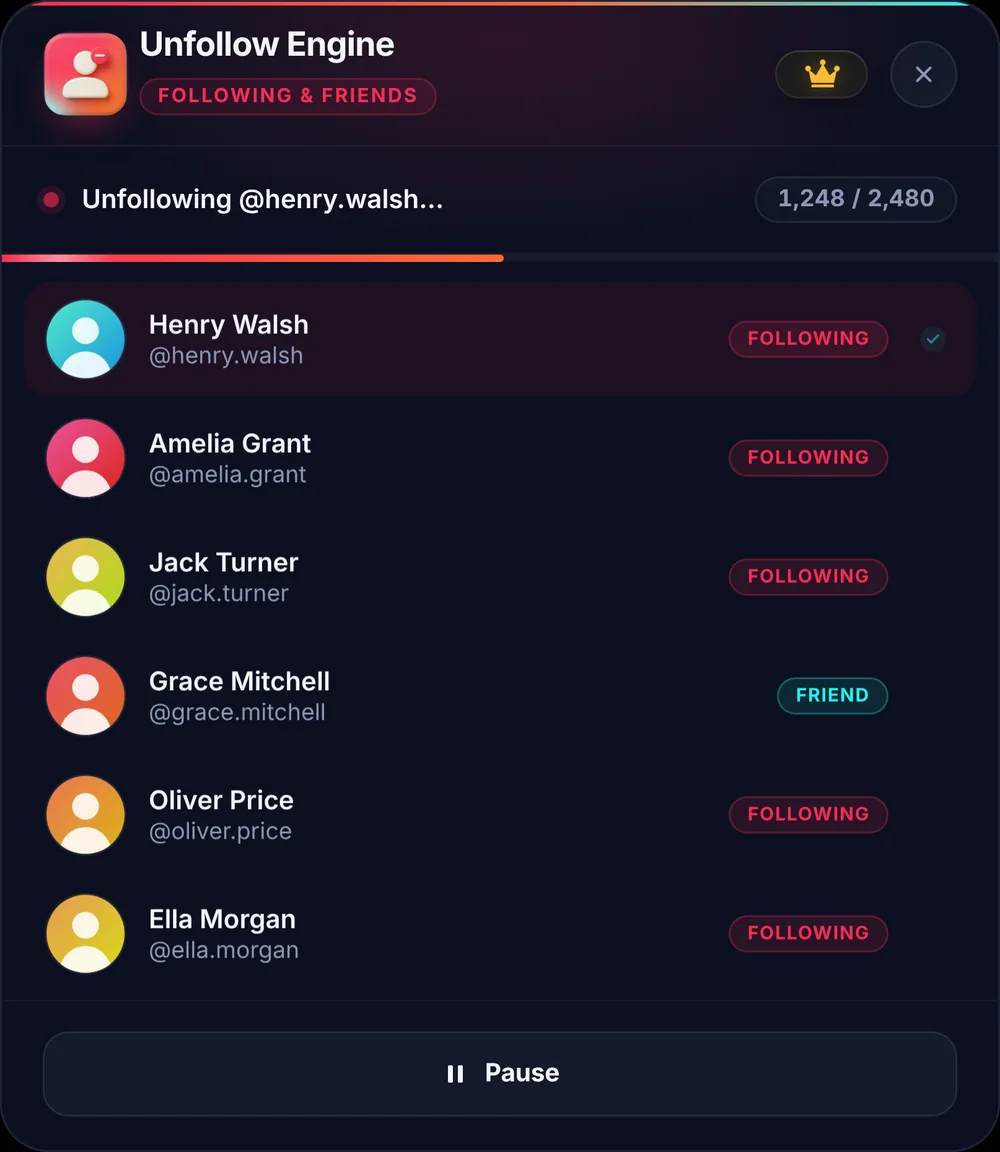
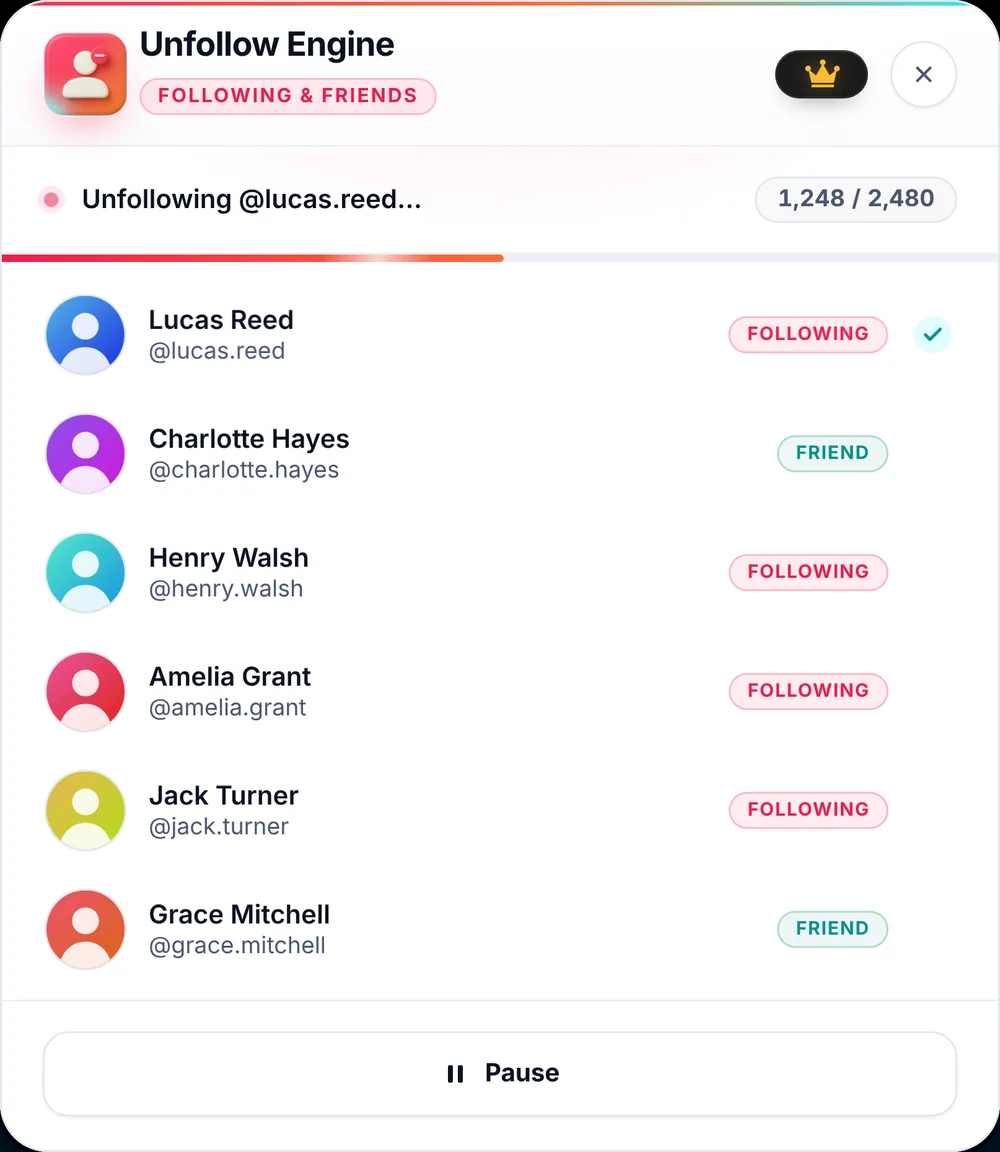
The Unfollow Engine widget while a run is in progress

Keeps running in the background

Switch tabs or minimize the window. The run keeps its timing, and your computer stays awake while it works.

TikTok · runningMailDocs
Tab in the background, still unfollowing

Asks before it removes

A confirmation says what will be removed and that it can't be undone. Nothing starts until you press Remove all.
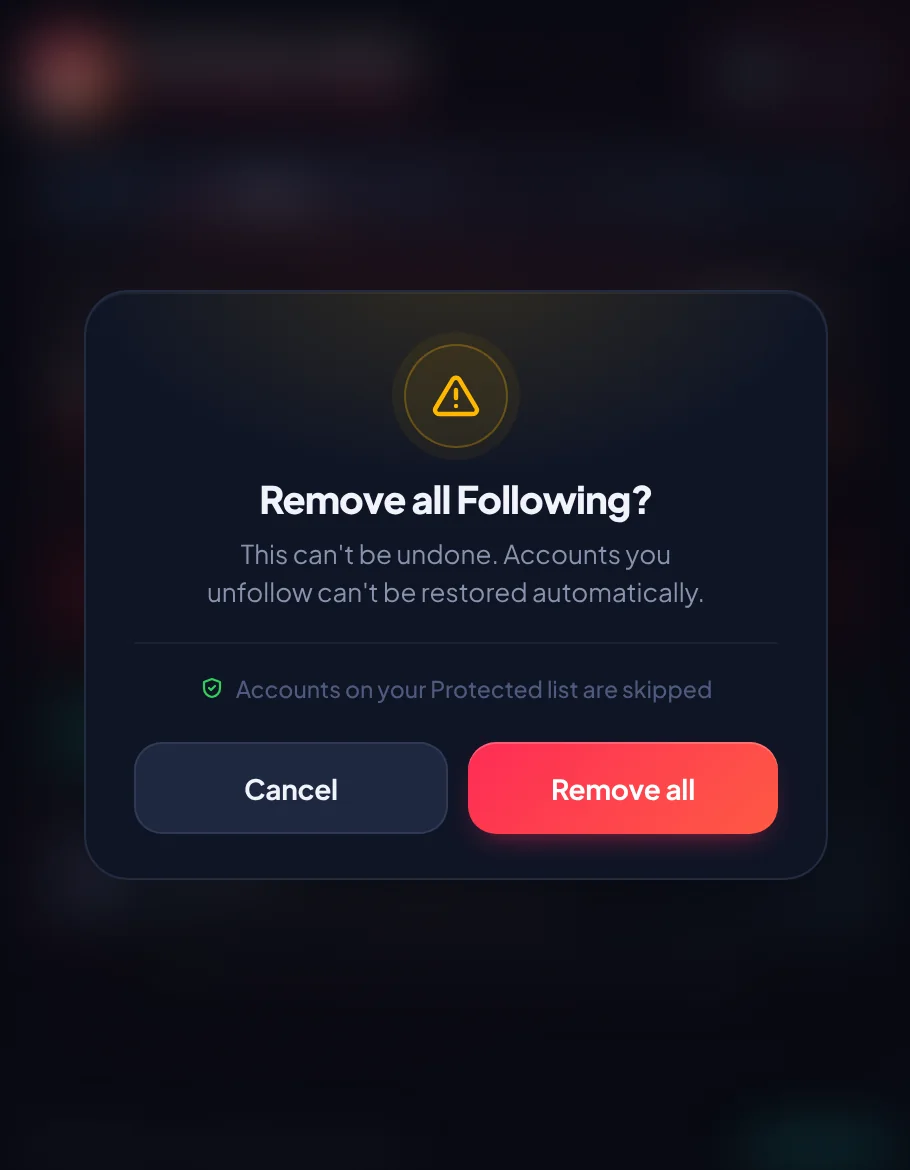
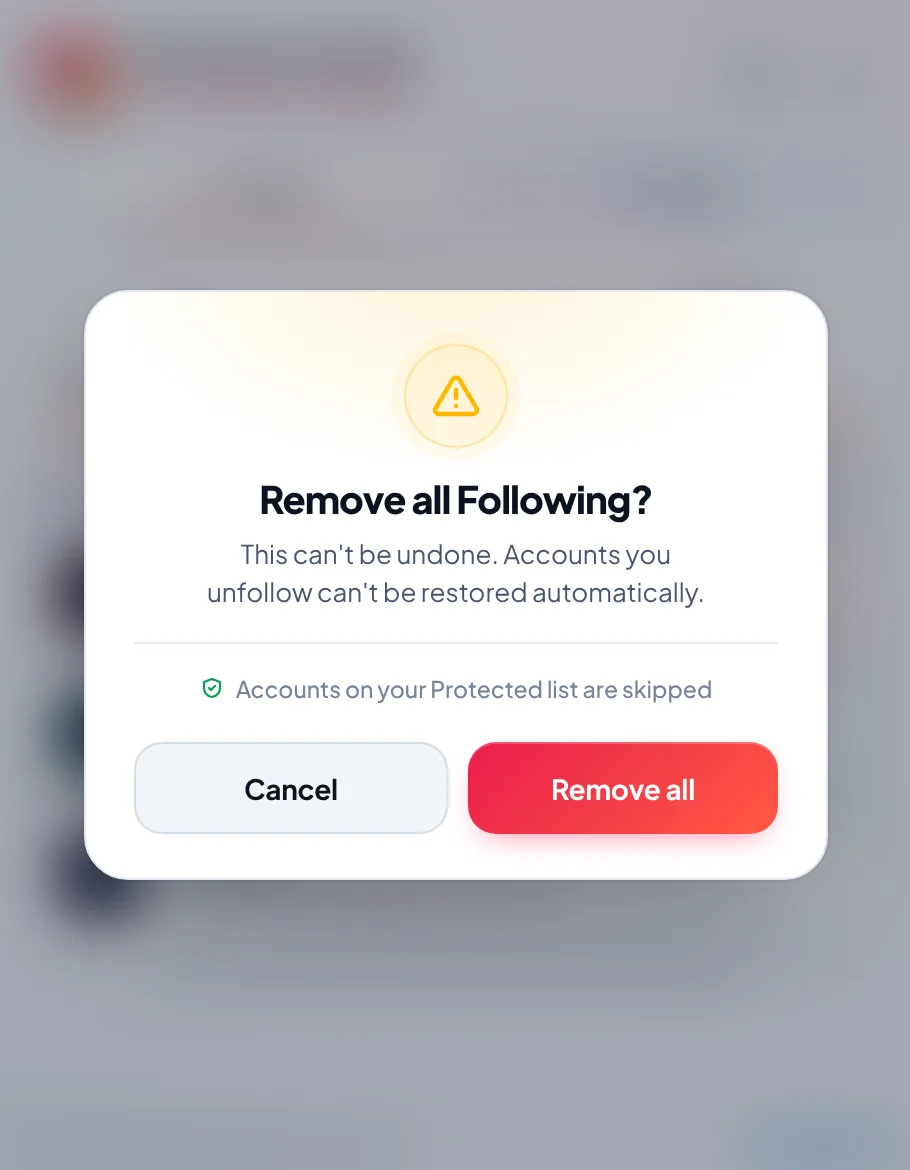
The confirmation dialog

Export your results

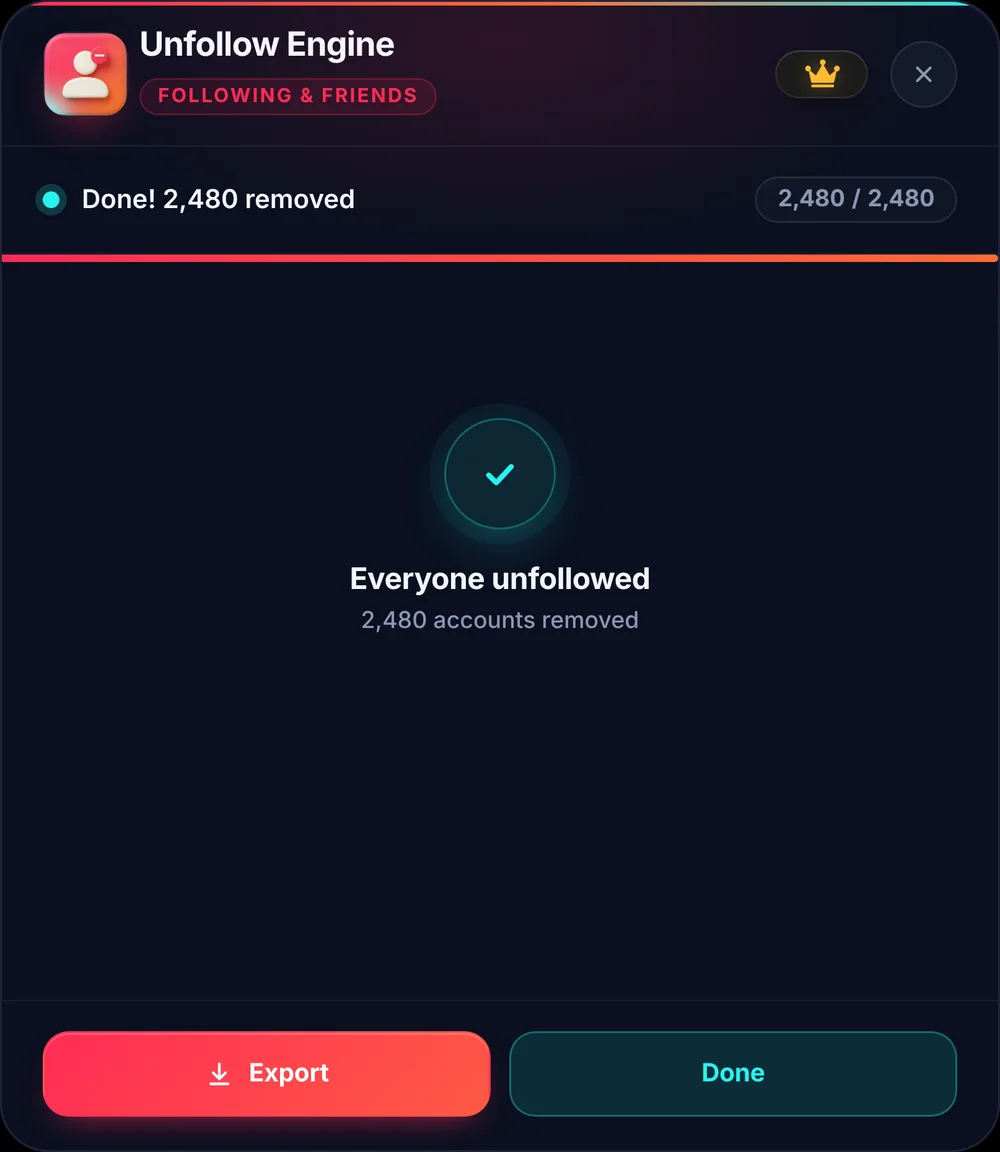
Save a record of everyone you unfollowed as CSV, JSON or Excel when the run finishes.

CSV
JSON
XLSX

Light and dark

The popup and the on-page widget follow your theme. Try it on this page.

Picks up where it left off

If the page reloads or the tab crashes mid-run, the extension can continue the same run within a few minutes.

Checkpoint saved. The run resumes from the last account.
How it works

From profile to done in five steps.

No setup and no account to create. Log in to TikTok as usual and the extension works inside your own session.

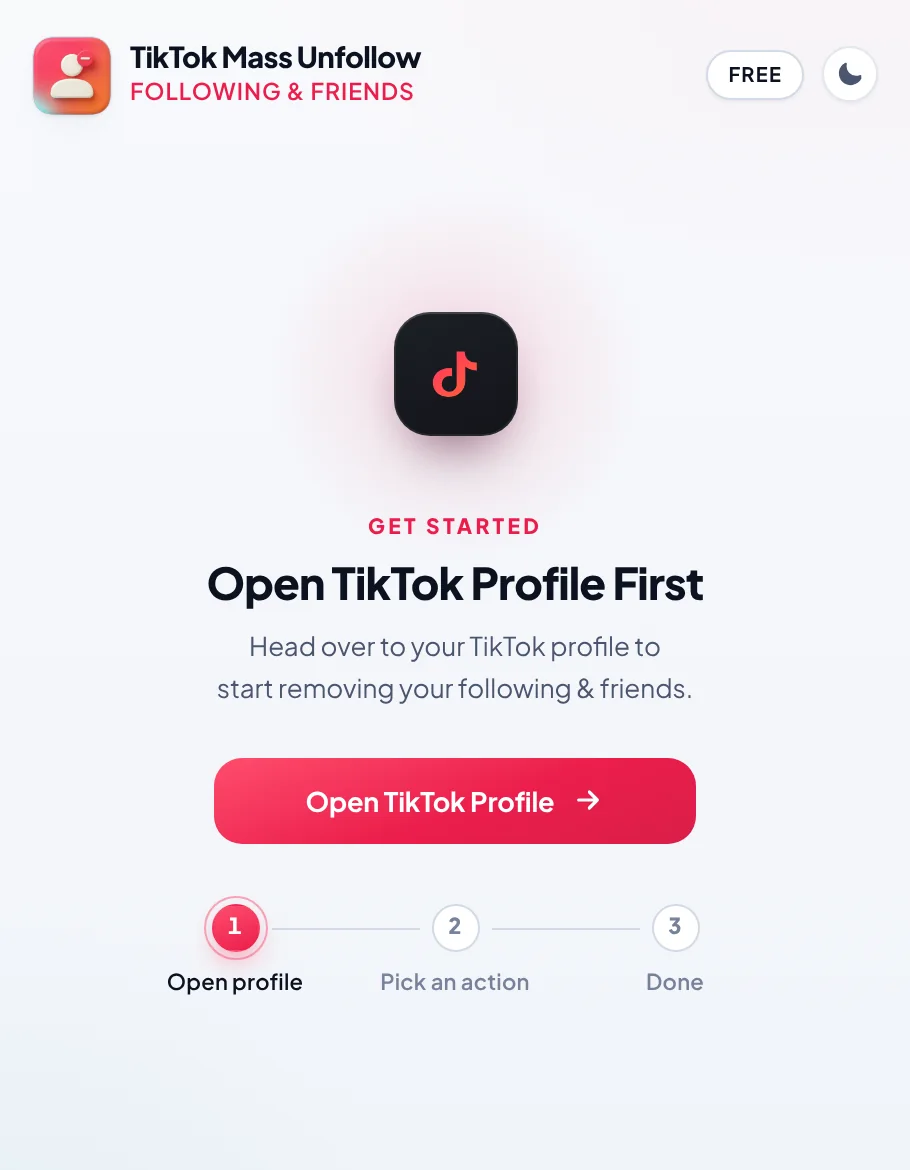
1

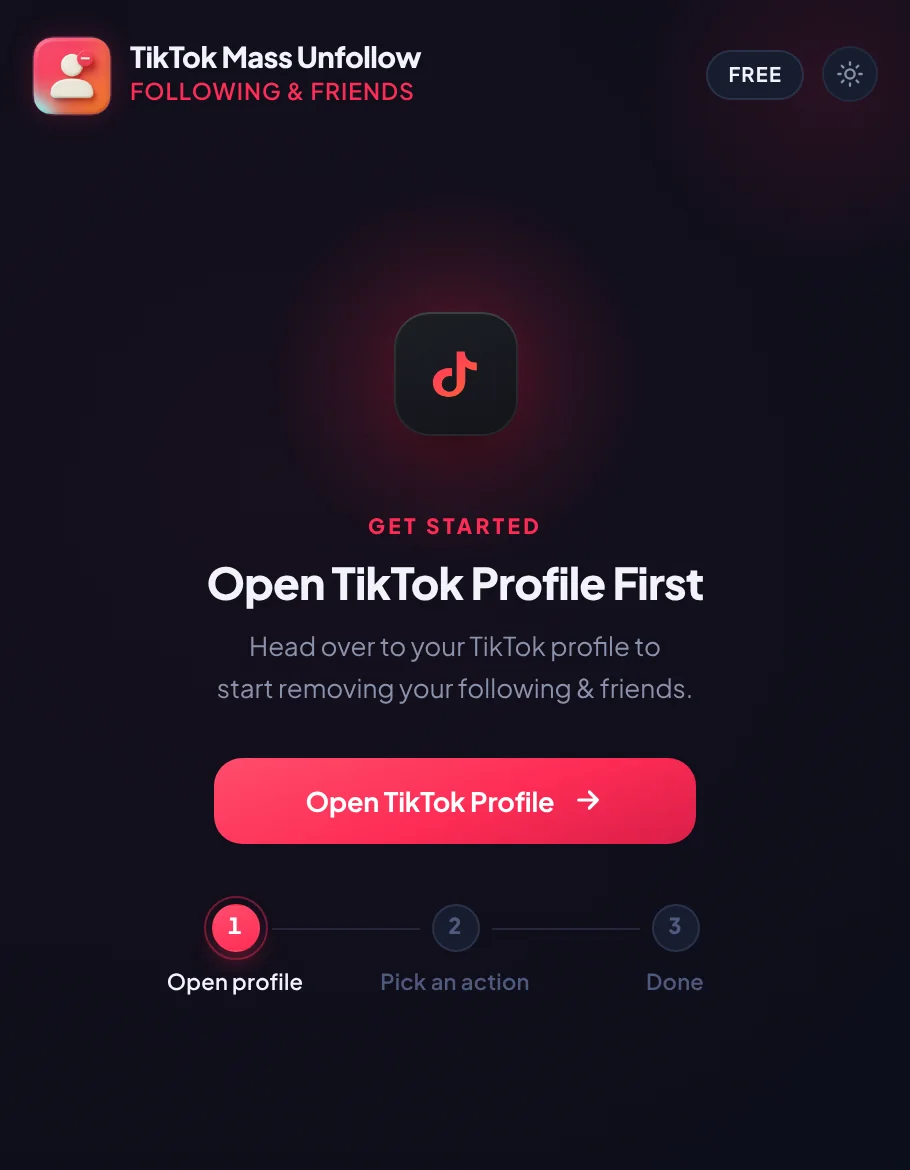
Open your TikTok profile

Log in to TikTok in Chrome and go to your own profile. If you are somewhere else, the extension takes you there with one button.
2

Choose what to remove

Pick Clear Following, Clear Friends or Clear All. Accounts on your protected list are always skipped.

3

Confirm

A short confirmation tells you exactly what will happen. Nothing starts until you press Remove all.

4

Watch it work

The Unfollow Engine widget opens on the page with a live counter and progress bar. Pause, skip a cooldown or stop at any time.

5

Export the record

When it finishes, save the list of everyone you unfollowed as CSV, JSON or Excel.
Plan your run

See roughly how long a run will take.

Set how many accounts you want to remove, choose a speed and a cooldown, and get an estimate before you start.

Speed
Cooldown after every 300 accounts
Estimated time
0 min
RemovingCooldowns

An estimate only. TikTok's response time and any rate limits can change the real time, and you can pause or stop at any point.

Safety and privacy

Your account, your browser, your control.

The extension runs inside your own browser. There is no server in the middle and nothing to sign up for.

No password needed

It uses your existing logged-in TikTok session. Your password is never asked for, read or stored.

Protected list

Accounts you add are always skipped, so the people who matter stay in your following.

Confirmation first

You approve every run before it starts, and you can pause or stop it at any moment.

Paced requests

Choose your speed. Cooldowns and automatic waits when TikTok rate-limits keep activity steady.

Data stays on your device

Settings, your protected list and run progress are stored locally in Chrome. No analytics, ads or tracking.

License check only

The only outside request the extension makes besides TikTok is verifying a Pro license key with Gumroad.

Use it responsibly

Removing many accounts is a big change to your profile. TikTok sets its own limits and the extension cannot control how TikTok treats an account. Unfollowed accounts are not restored automatically, so start with a small run and add anyone you want to keep to your protected list.

Read the full Privacy Policy
Why use it

Doing it by hand versus doing it here.

What you needBy hand in TikTokTikTok Mass Unfollow
Going through your listScroll and tap one account at a timeAutomatic, one run for the whole list
Keeping certain peopleRemember and skip them yourselfProtected list, always skipped
Seeing progressCount it yourselfLive counter and progress bar
Stopping and resumingStop whenever you likePause, skip a cooldown or stop, with resume after a reload
A record of who was removedNoneExport to CSV, JSON or Excel
Pricing

Start free. Go unlimited when you're ready.

The free plan lets you try every feature. Pro removes the daily limit.

Free

$0forever
  • 6 removals per day, resets every 24 hours
  • Clear Following, Clear Friends and Clear All
  • Protected accounts list
  • Slow, Medium and Fast speeds with cooldowns
  • Live progress, pause and stop
  • Export to CSV, JSON or Excel
Add to Chrome free
Pro

Pro

$8/ month
  • Unlimited removals, no daily limit
  • Remove everything in one run
  • Everything in Free
  • License key and free updates included
  • Cancel anytime, no lock-in
  • Secure checkout via Gumroad
Get Pro for $8/month
1Buy ProSecure checkout on Gumroad. Your license key is included.
2Paste your keyOpen the extension and enter the key in the license field.
3ActivatePress Activate and the daily limit is gone.
FAQ

Questions, answered.

Yes. The free plan lets you remove 6 accounts per day, resets every 24 hours, and includes every feature. Pro removes the daily limit for $8 per month.

No. The extension works inside the TikTok session you are already logged in to in Chrome. It never asks for, reads or stores your password.

The extension paces its requests, adds cooldowns after every 300 accounts, and waits automatically when TikTok rate-limits you. TikTok still decides how it treats any account, so nothing can be guaranteed. Start with a small run, keep your protected list up to date, and remember that unfollowing can't be undone automatically.

Choose Clear Following (everyone you follow), Clear Friends (mutual friends) or Clear All (both). Accounts on your protected list are always skipped.

Yes. You can switch tabs or minimize the window and the run keeps its timing. Keep the TikTok tab open, and the extension keeps your computer awake while it works. Closing the tab or the browser stops the run.

The extension saves a checkpoint while it runs. If the page reloads or the tab crashes, it can continue the same run within a few minutes.

After every 300 accounts, and whenever TikTok rate-limits you, the run waits for a while before continuing. The default is 1 minute and you can set it from Off to 10 minutes. You can skip a cooldown while it is counting down.

No. Unfollowed accounts are not restored automatically. That is why a confirmation appears before every run, and why you can export a list of everyone who was removed as CSV, JSON or Excel.

None. Your settings, protected list and progress stay in your browser. The only outside request besides TikTok is a license check with Gumroad for Pro keys. Read the Privacy Policy for the details.

Buy Pro on Gumroad, copy the license key, paste it into the extension and press Activate. You can cancel at any time through Gumroad. A cancelled or refunded license stops working at the extension's next license check.

Google Chrome on desktop.

Email azmatkhan03491266@gmail.com, or use the Bug Report link inside the extension.
Ready when you are

Take back your TikTok following.

Install the extension, open your profile and let it do the scrolling.

Questions or bug reports? azmatkhan03491266@gmail.com